Hi everyone,
I’d like to share a module I’m building for OpenEMR and get feedback from the community: oe-module-ai-assistant.
Repository: GitHub - luisuriarte/oe-module-ai-assistant · GitHub
Status: v0.1.0, preview. Not meant for production clinical use yet.
What it does
- Dictation to SOAP draft. An “AI” button in the native SOAP form opens an editor where the clinician dictates (or pastes a transcript) and gets a draft with Subjective / Objective / Assessment / Plan, written to the same SOAP form. The draft always has to be reviewed before saving.
- Chart-aware context. The draft uses the patient’s history (medications, lifestyle, family history, risk factors, exams) so it can match drug names mistranscribed by speech recognition. Ambiguous items are marked
[VERIFY]rather than guessed. - Optional chat panel per patient, with answers that cite the chart section they come from. Conversation history is not stored.
- Choose your AI provider: OpenAI, Anthropic, Gemini, Grok (xAI) and Z.ai, with API keys encrypted at rest.
- Self-hosted transcription with whisper.cpp, so audio doesn’t have to go to a cloud service. Temporary audio files are deleted right after transcription. In my demo it runs on the same server as OpenEMR, CPU only, using the “small” model, because I have limited memory. The trade-off is accuracy: small makes mistakes with medical terms, which the chart-aware step partly corrects. A larger model gives better results if you have the RAM for it.
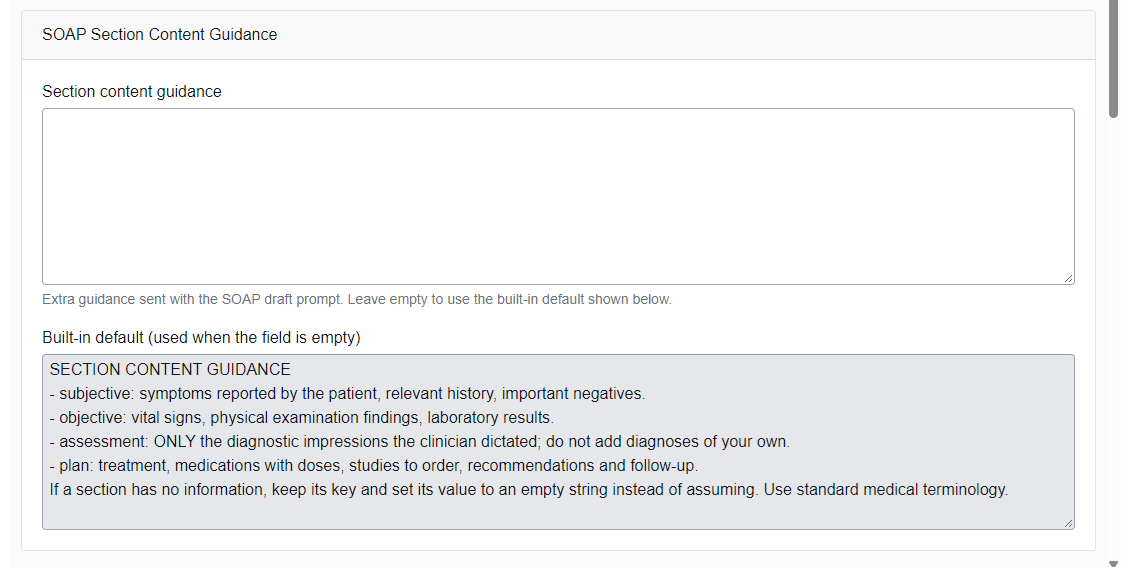
- Customizable prompts (admin only): section-content guidance plus extra instructions per provider, with a length limit. The safety rules and the JSON output format are fixed in code and can’t be overridden.
Privacy and safety
Consent gate before use, ACL and CSRF checks, per-user rate limits, an audit trail that stores metadata only (never content), and de-identification of the chart context before it leaves the server. Please do your own legal and regulatory review before sending any health data to a third-party provider.
Try it
Demo (OpenEMR 8.2): https://demo.origen.ar
User: clinician1 / Password: 4rG3ntin4
Synthetic data only: please do not enter real patient information. The demo has rate limits, and since transcription runs on the same modest server as OpenEMR, a dictation may take a little while to come back.
Suggested path: open a test patient → SOAP form → click the AI button → accept consent → dictate or paste text → review the draft → save.
Screenshots
- Module settings



2. Native SOAP form with the AI button

3.- SOAP editor with the AI draft


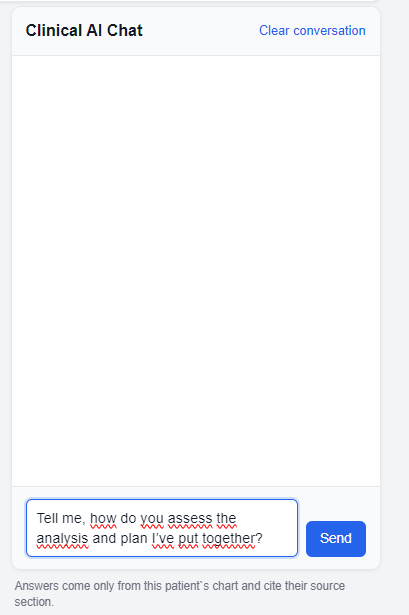
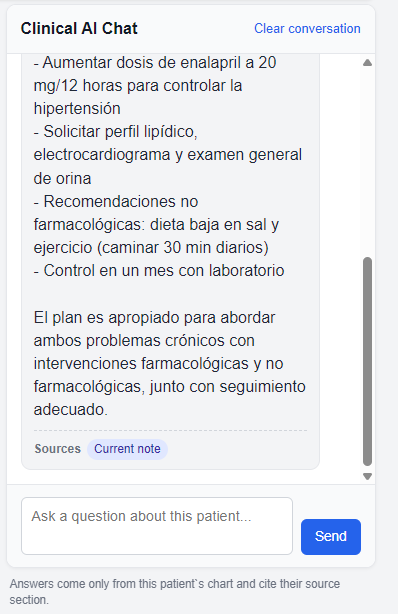

Sorry, the screenshots are in Spanish because my instance is set to Spanish. The module’s interface is also available in English.
Feedback welcome
- How do you handle the privacy trade-offs of cloud AI in your setup?
- Which providers or local models would you like to see?
- Any thoughts on how the draft should fit your SOAP workflow?
Compatibility is documented for OpenEMR 8.2.0 and 8.4.1. Installation instructions are in the README.
Regards.
Luis.